← All work
CommBank Property app
Helping first home buyers know what they can afford
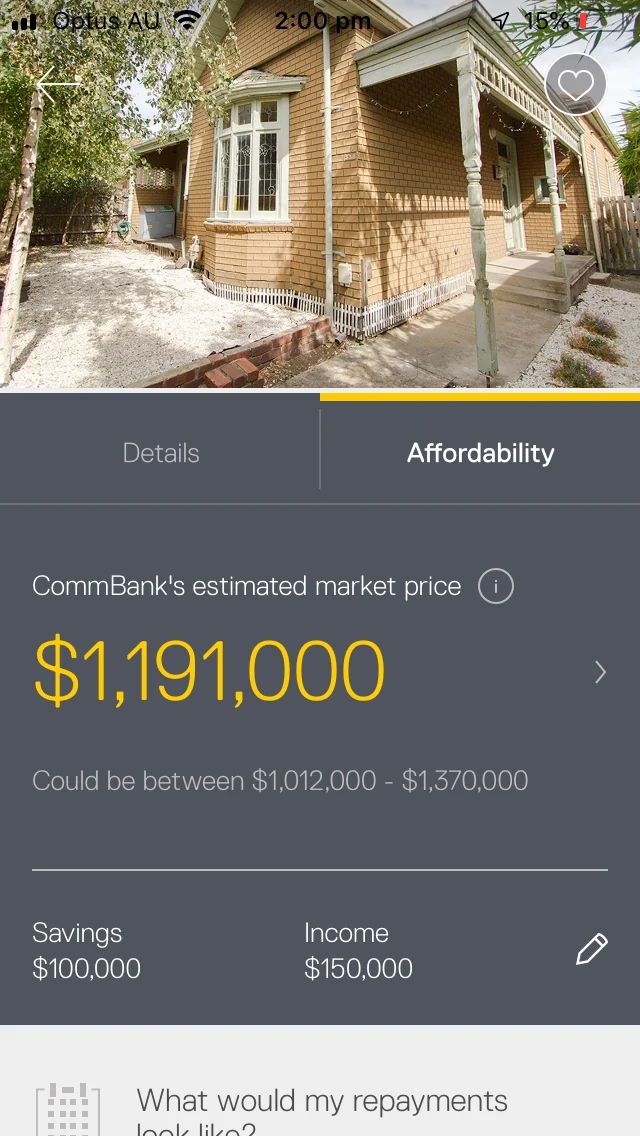
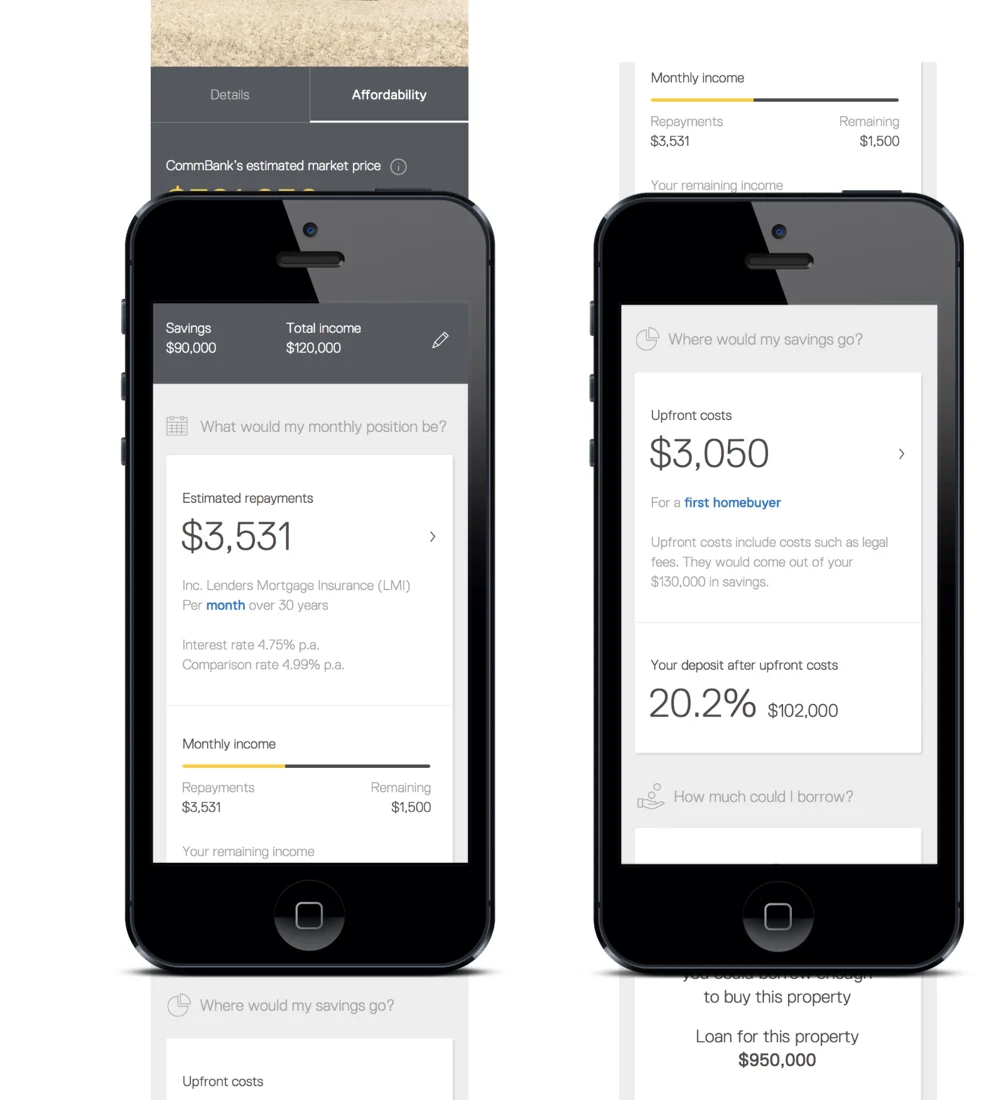
Financial transparency matters most when you’re buying your first home. For Australians, the big questions were how much they could borrow and how much they could spend on a property.
The 20-second version
My roleSenior UX Designer
- Buyers were choosing properties without the full costs or a realistic picture of their budget.
- I researched, tested and designed flows that matched properties to what people could actually borrow.
- Online home loan conversion on mobile and tablet rose from 2% to 25%.
2% → 25%Online home loan conversionOn mobile and tablet
5.4%More lead generation opportunitiesAcross channels, which I contributed to as part of the team.
The problem
Big decisions, little guidance
People were choosing properties with little guidance and few tools:
- without seeing the full costs
- without a realistic sense of their budget
ClarityThe cost you don’t see is the one that breaks the budget. Showing it upfront is the honest version of the journey.
The goals
Good for buyers, good for the bank
- Help people find properties they can afford, and lift home loan pre-approvals
- Be a responsible bank by showing every cost upfront
What I did
Research to final screens
Part of a team of UX and UI designers.
- Affordability research with first home buyers
- Competitor analysis and heuristic evaluations
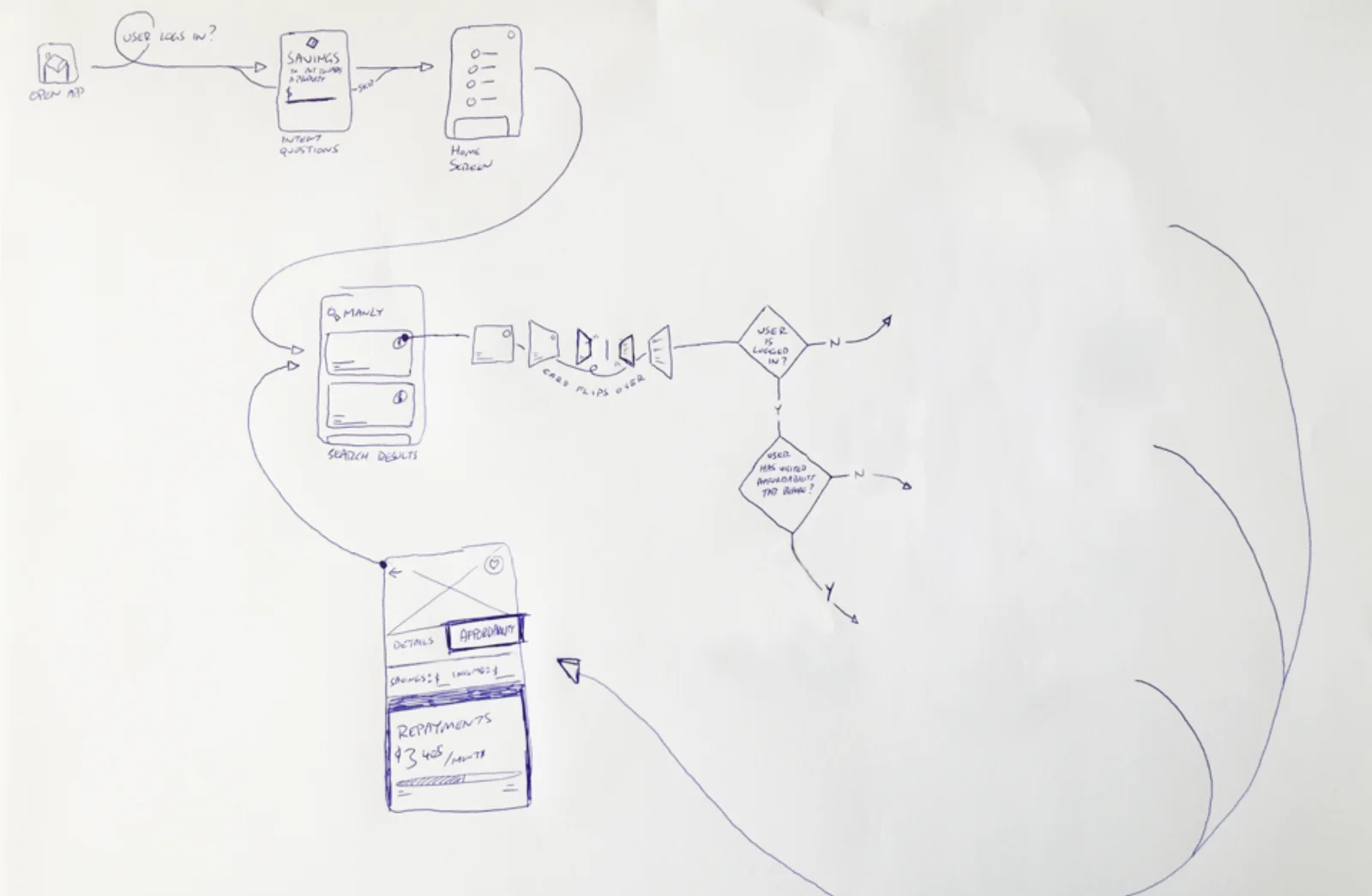
- Sketched flows in Sketch and InVision
- Prototyped for 10 usability testing sessions
- Designed the final screens with the UI designer
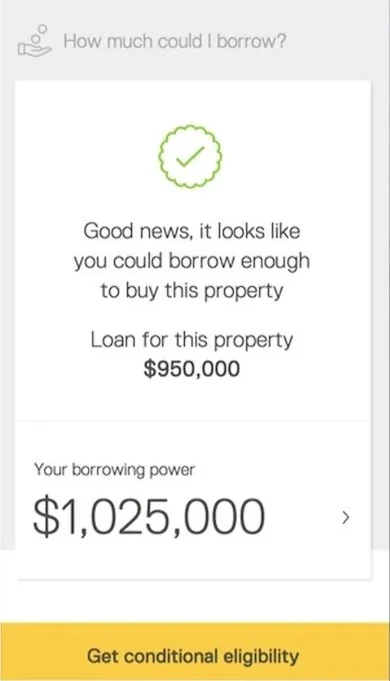
Control“Your borrowing power” next to the loan for this property. People choose with confidence, not hope.
Integrated search
Making search easy to come back to
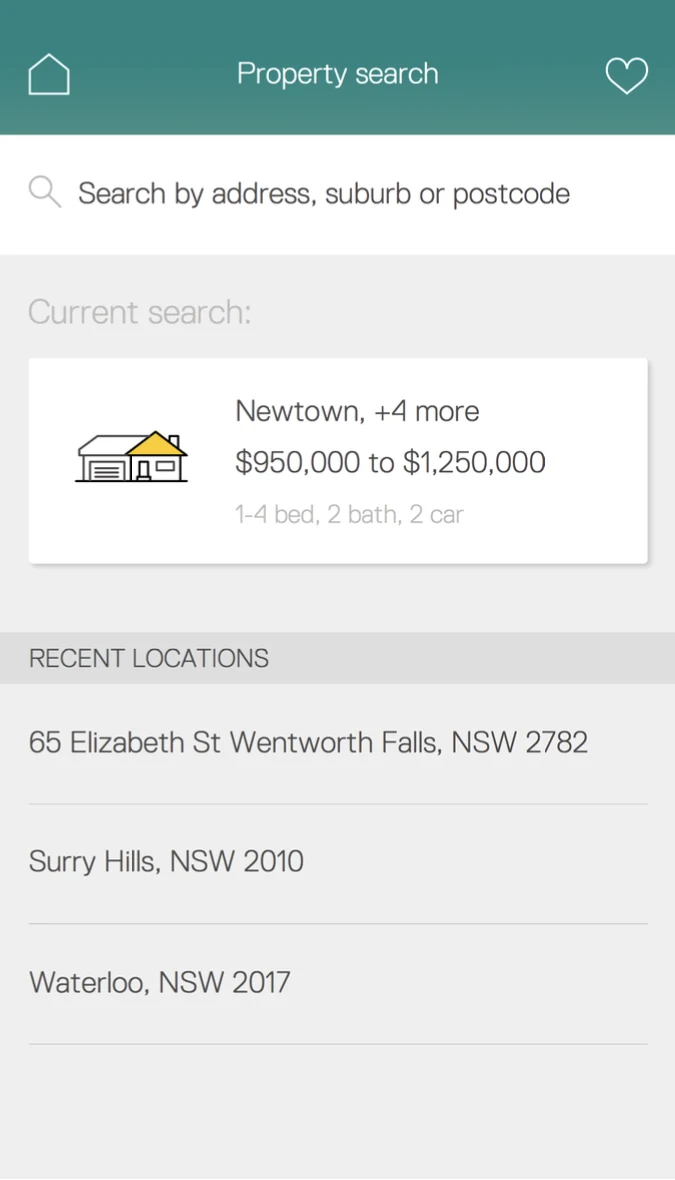
Testing showed people liked to explore what the integrated search could do. So we made it more visible.
The search landing page lets people:
- start a new search on any property type
- jump straight back into their current search
- add suburbs they’d already explored to a new search
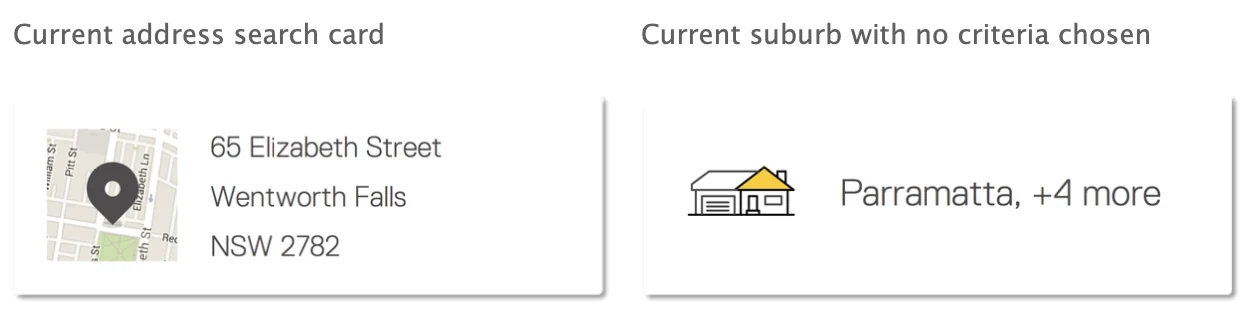
ContinuityPeople rarely find a home in one sitting. Picking up a search where they left off keeps them moving.